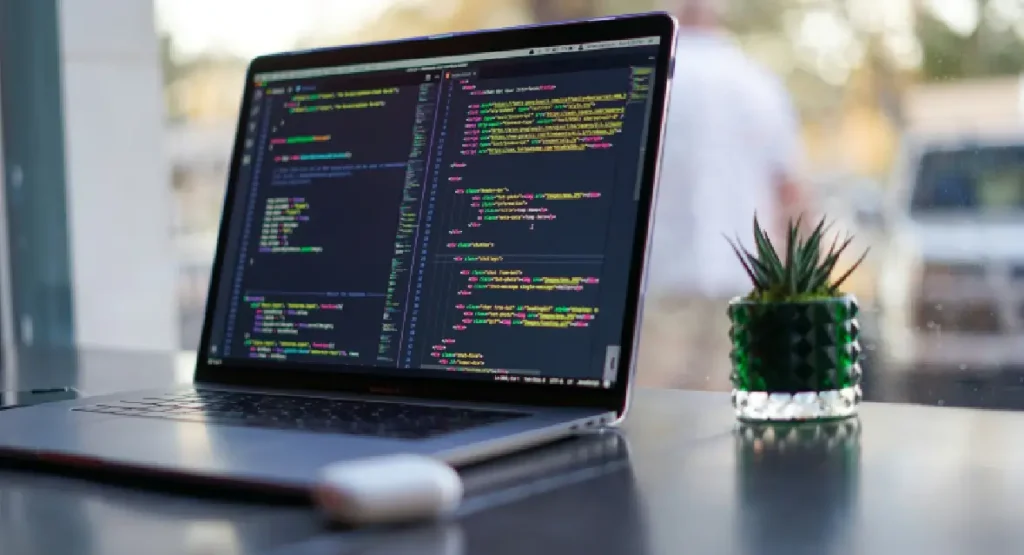
WordPress security: best practices and security tools.

WordPress is the world’s most popular content management system (CMS), powering millions of websites. Unfortunately, its popularity and widespread use make it a frequent target for cyberattacks. To protect your WordPress-based website, it is worth knowing the best practices and tools that will help secure your site. Below, we outline the key steps you should take!
1. Don’t skip updates!
Regular updates are a fundamental security rule. WordPress, plugins and themes are regularly updated to eliminate security vulnerabilities. Failing to update your software regularly leaves the door open to hackers.
- Automatic updates: You can configure automatic updates so you don’t have to worry about manually downloading new versions.
- Testing updates: Before deploying updates to the live site, test them in a development environment to ensure they do not cause any issues.
2. Strong passwords are essential.
Passwords are the first line of defence against unauthorised access. Using strong passwords and enabling two-factor authentication (2FA) increases security.
How can you check if your password is strong enough?
- Password generator: Use a password generator to create complex passwords.
- Password manager: Using a password manager makes it easier to manage your passwords and ensures that each one is unique.
- 2FA plugins: Install a plugin that allows you to add two-factor authentication to the WordPress admin panel.
3. Brute Force – the most common type of hacking attack on CMS tools
Brute force attacks are attempts to guess a password by automatically searching through all possible combinations. To protect yourself against them:
- Limit the number of login attempts: Plugins such as Limit Login Attempts allow you to limit the number of login attempts, which reduces the risk of a successful brute force attack.
- CAPTCHA: Add a CAPTCHA test to login forms to prevent bots from attacking the site.
4. Use ONLY trusted plugins and themes.
Installing plugins and themes only from trusted sources is another step towards improving security.
How can you check their reliability?
- Trusted sources: Download plugins and themes only from the official WordPress repository or from reputable developers.
- Regular audits: Regularly check your installed plugins and themes for updates and remove those you no longer use.
6. Security plugins
There are many plugins that can help secure your WordPress site.
- Wordfence: A comprehensive security plugin offering, amongst other things, a firewall, malware scanning, protection against brute force attacks and much more.
- Sucuri Security: A tool that monitors changes to your site, blocks malicious attacks and offers a web application firewall.
- iThemes Security: This plugin offers a range of security features, such as file change detection, protection against brute force attacks, and the ability to hide the login page.
7. Regular backups – they’ll come in handy in emergencies!
Backups are your last line of defence. Regular backups allow you to quickly restore your site after an attack.
- Automating backups: Use plugins such as UpdraftPlus or BackupBuddy to create backups automatically.
- Off-server storage: Ensure that backups are stored on external servers or in the cloud to guarantee access in the event of a main server failure.
8. Security Monitoring and Auditing
Regular monitoring of your website’s security allows for the early detection of potential threats.
- Log monitoring: Regularly review server and WordPress logs to detect suspicious activity.
- Security audit: Carry out regular security audits to check that all settings are optimal and in line with best practices.
We can also help you secure your resources properly!
If you need help securing your WordPress site, we’re here to help!
We have been working with WordPress for over 6 years and have completed over 100 projects for our clients. We have the experience and expertise to effectively secure your website, taking care of every detail. Contact us to find out more and ensure the security of your website!


Your referral has value. Convert it into commission.
At every stage, your store is supported by a team of experts.
Read also
 What constitutes engaging content on a website?
Every website should be more than just a nice-looking interface. Whether you run an online shop, a blog or a company website, content is the key factor that determines whether visitors will stay for longer or leave the site. In this article, we will discuss the characteristics that attractive website content should have in order […]
- A bespoke design or a classic template? The pros and cons of both options.
In today’s digital world, every business needs a professional website that not only grabs attention but also persuades potential customers to use the services on offer. One of the first dilemmas entrepreneurs face is choosing between a bespoke design and a classic template. This choice depends on many factors, including the type of business, the budget, […]
- Is your store running too slowly? The most effective ways to optimize it!
In today’s world, website speed is one of the key factors influencing the success of your online shop. Slow page loading isn’t just frustrating for users – it results in a real loss of potential customers and, consequently, lower conversion rates. In an industry where every second counts, the speed of your shop can determine whether […]
- The 5 most useful WordPress plugins
WordPress is one of the most flexible platforms, offering thousands of plugins available to users! WordPress claims there are as many as 58,000, but the figure today may be several thousand higher. Choosing the right ones can significantly improve your website’s functionality. In this article, we’ll introduce you to five plugins that make life easier for every […]
- Is WordPress difficult? That is the question!
If you’re thinking about creating your own website, you’ve probably come across the WordPress platform. And at this point, the question often arises: is WordPress difficult to use? On the one hand, it’s said to be the perfect tool for everyone, even those with no technical experience. On the other hand, some warn that the more […]